 HireFly Blog
Deskless Employee Experience: HR Support Beyond Email and Portals
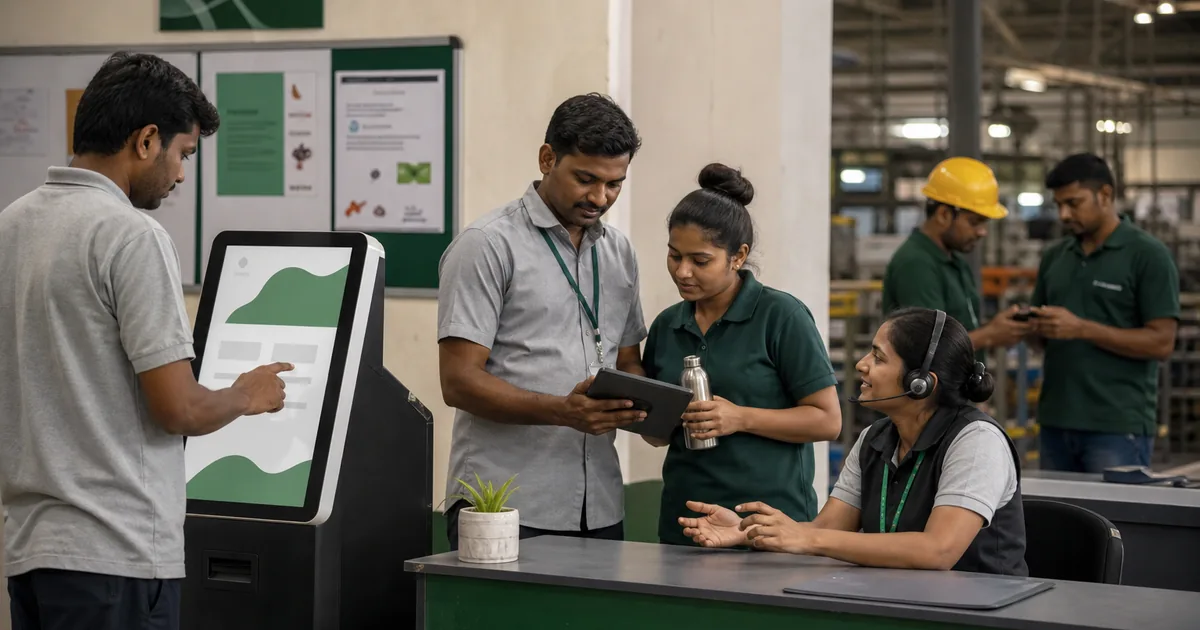
Deskless employees perform work without continuous access to a personal computer, corporate email or private portal time. HR services designed around office channels can therefore make basic actions—pay questions, leave, schedules, benefits or concerns—harder than they need to be.
Observe the actual employee journey
Map how shift, field, plant, retail, warehouse or service employees receive information, prove identity, complete actions and get help. Include travel, shared devices, noisy environments, language, connectivity and manager dependence.
Prioritise high-impact services
Start with pay, attendance, leave, schedules, safety, benefits, personal-data changes, grievances and emergency support. A mobile engagement feed matters less if an employee cannot correct a missing payment securely.
Offer more than one route
Use appropriate combinations of kiosks, mobile web or app, telephone, messaging notification, onsite support, paper where necessary and manager assistance. Keep one authoritative case or transaction record behind the channels.
Provide protected time and space
Employees should not have to use unpaid breaks, personal data plans or a supervisors phone for mandatory HR actions. Offer reasonable access during work and privacy for sensitive matters.
Verify identity without creating barriers
Design authentication for employees who lack corporate email or change phones. Provide secure recovery and human support. Do not ask managers to see bank, health or grievance documents to confirm identity.
Use managers as connectors, not gatekeepers
Managers can explain actions and release time, but employees need direct routes for private questions and concerns. Track whether local leaders delay, filter or reinterpret messages.
Design accessible and multilingual content
Use plain language, readable layouts, audio or video alternatives where helpful, captions and qualified translation. Test with actual devices and literacy contexts without assuming employees prefer simplified or childish material.
Coordinate shifts and handovers
Schedule onsite support and deadlines across shifts, nights and remote routes. Repeat essential sessions without making late-shift employees depend on second-hand summaries.
Protect shared-device privacy
Use automatic logout, masked information, secure printing, session clearing and screen placement. Prevent the next user seeing payslips or cases. Provide alternatives when a kiosk is broken.
Build a service escalation model
Give case references, expected updates and urgent channels. A local HR desk should connect to payroll, benefits and specialist owners rather than asking the employee to travel between departments.
Prepare emergency and safety communication
Use channels that reach every shift quickly, include acknowledgement or supervisor verification where appropriate and maintain fallback during network failure. Emergency messages should be distinct from routine HR campaigns and use current site procedures.
Include contractors and agency workers correctly
Clarify which organisation provides pay, schedule, safety, benefits or grievance support and give workers the right contact. Do not expose employee-only systems or leave non-employees without a route because ownership is split.
Manage personal-device boundaries
If an app or messaging channel uses employee-owned phones, explain data, permissions, costs, monitoring and alternatives. Do not make installation on a personal device the only way to receive mandatory information.
Example
Warehouse employees report repeated attendance corrections. HR adds a private kiosk and staffed shift clinics, but also fixes supervisor approval and gives SMS status notifications. It does not treat app adoption as the outcome.
Measure access and resolution
Review use by shift and location, failed authentication, unresolved cases, repeat visits, time away from work, wrong-channel disclosures and employee understanding. Low digital use may signal poor access rather than low need.
Include deskless users in change testing
Test new policies, systems and communications with representative employees before launch. Their work conditions often expose assumptions hidden in office-based design.
Maintain offline continuity
Define safe fallback during network, device or power failure and reconcile transactions afterward. Critical HR support should not disappear because one digital channel is unavailable.